AI Staging in Ontario: What the CBC Story Means (2026)
AI Flip Room · 4 min read
On 19 October 2026, CBC Toronto ran a story on AI-staged listing photos in Ontario: Rising use of AI-staged real estate photos raises questions about misleading homebuyers, with a three-minute video, AI staging is on the rise in Ontario real estate photos. Here's what to watch for.
If you sell or list a home in Ontario, it's worth ten minutes. Here is what the story said, what the rules say, and how to use staging without the problems CBC described.
What CBC reported
In our words, the story made five points.
AI staging is cheap and spreading. Agents and sellers can add furniture, art and decor to a photo without moving a thing. It helps buyers picture an empty room. One agent also pointed to rentals, where a tenant may not want their belongings in public photos.
The main problem is space. "The biggest challenge with AI staging is space," said Ravi Singh, an agent with RE/MAX Hallmark Realty. A photo suggests a sofa, a loveseat and a coffee table fit. Then the buyer walks into the empty room and they clearly don't. He added that AI tools can also change mouldings, room proportions and lighting, which means wasted viewings for everyone.
RECO says the duties don't change. The Real Estate Council of Ontario told CBC that using AI doesn't change an agent's obligations under the Act, and that buyers must be able to tell when an image was altered or made by AI. In practice, that usually means a clear note on the image or in the listing.
Stay factual. The CEO of the Toronto Regional Real Estate Board (TRREB) gave an example: don't put lamps in a room that has no outlets, unless you say so.
Not every listing is labelled. CBC found a number of active listings on Realtor.ca that weren't clearly labelled, and those listings get copied to other sites. TRREB's CEO said most agents follow the guidelines. The Ontario Real Estate Association said standards are being updated across Canada.
What the Ontario rules say
The story didn't change any rule. The rules were already in place; the question is whether listings follow them. Our Ontario virtual staging rules guide quotes each one word for word. The short version:
- PropTx MLS® rule 5.01(a), the rulebook for most of Ontario's MLS listings since 2 December 2024, bans digitally altered images, AI-made or digitally staged, that do not accurately depict the listed real estate. The test is accuracy, not the tool.
- ITSO MLS® rule 2.15(d), for the Cornerstone and Brantford boards, allows digital staging that doesn't inaccurately portray the property. The alteration must be disclosed in the public remarks or with a label on the image. ITSO's guidance also counts new paint colours and new light fixtures as virtual renovation, not staging.
- The Trust in Real Estate Services Act, 2002 (TRESA), administered by RECO, bans false, misleading or deceptive statements in any advertisement in section 37. It covers the MLS and everything else: your website, social posts, email and print.
The PropTx rulebook has no label rule for staged photos, while ITSO's does. Neither asks for an unstaged photo next to each staged one. But RECO's message to CBC was plain: buyers must be able to tell. So label every staged photo, whichever board you list on.
How to disclose
- On the photo or in its caption, write "Virtually staged". A label on the image travels with the photo, including to the sites that copy listings.
- On an ITSO board, disclose in the public remarks or with a label on the image. Doing both costs nothing.
- On your own website and social, call staged images visualisations, not photos of the home.
- Keep the original of every staged frame. A careful buyer is entitled to ask for it.
For the exact words, the disclosure wording tool writes the label for PropTx and ITSO boards and shows the rule it comes from.
What buyers complain about, and how to avoid it
The story named three problems. Each one has a simple fix.
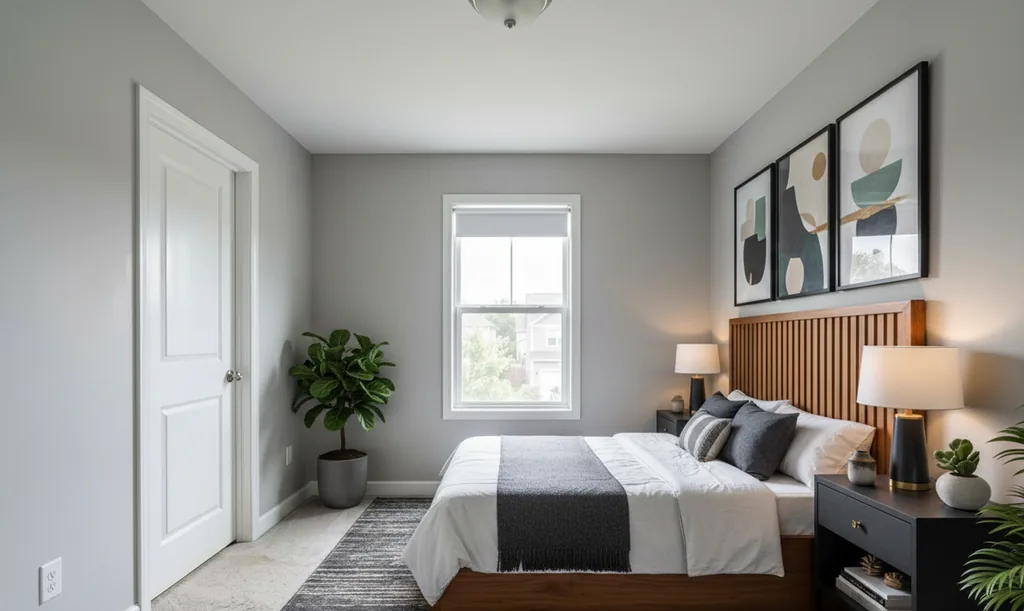
Furniture that would never fit. Buyers notice this first, because they find out in person. Stage for the room you have. A small bedroom gets a bed, a nightstand or two and a clear path to the door, not a king bed and a reading chair. If you couldn't walk past it in real life, take it out of the photo.
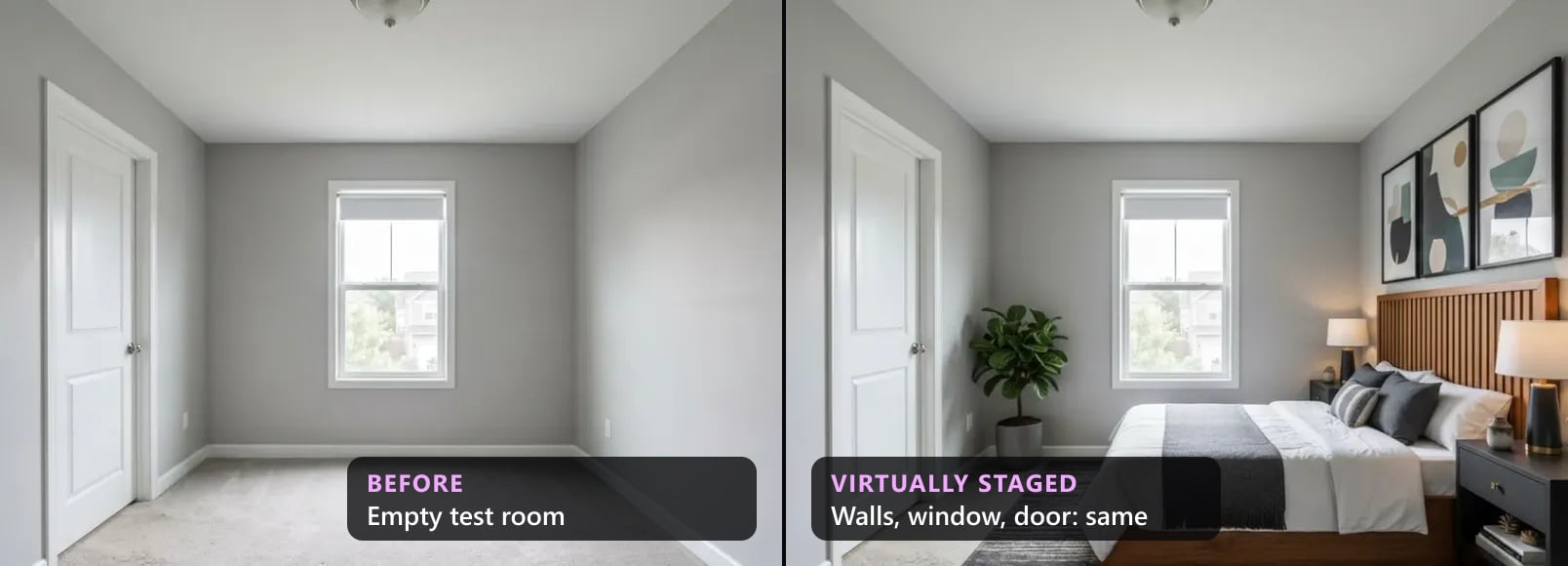
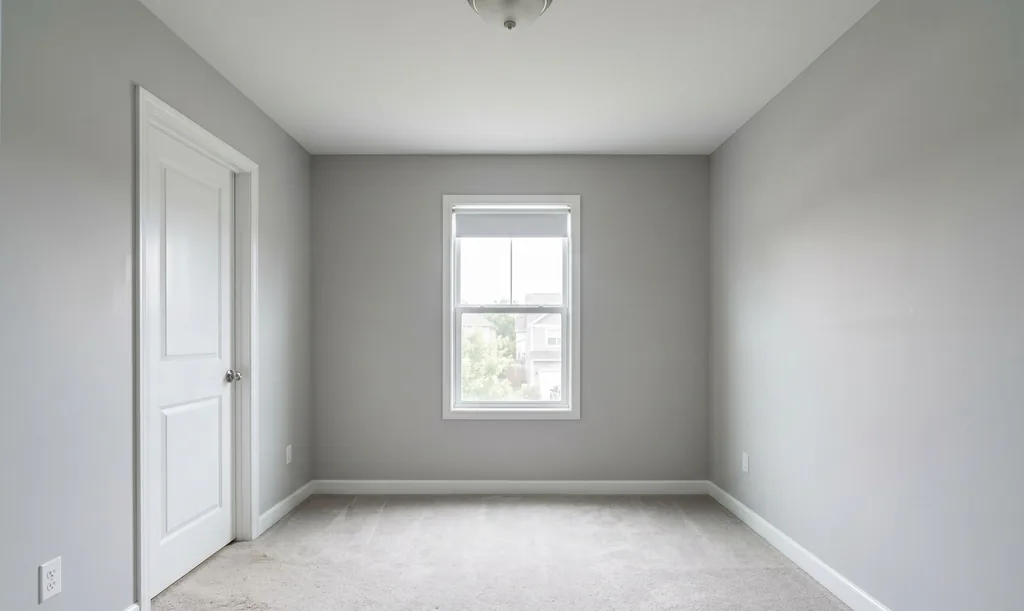
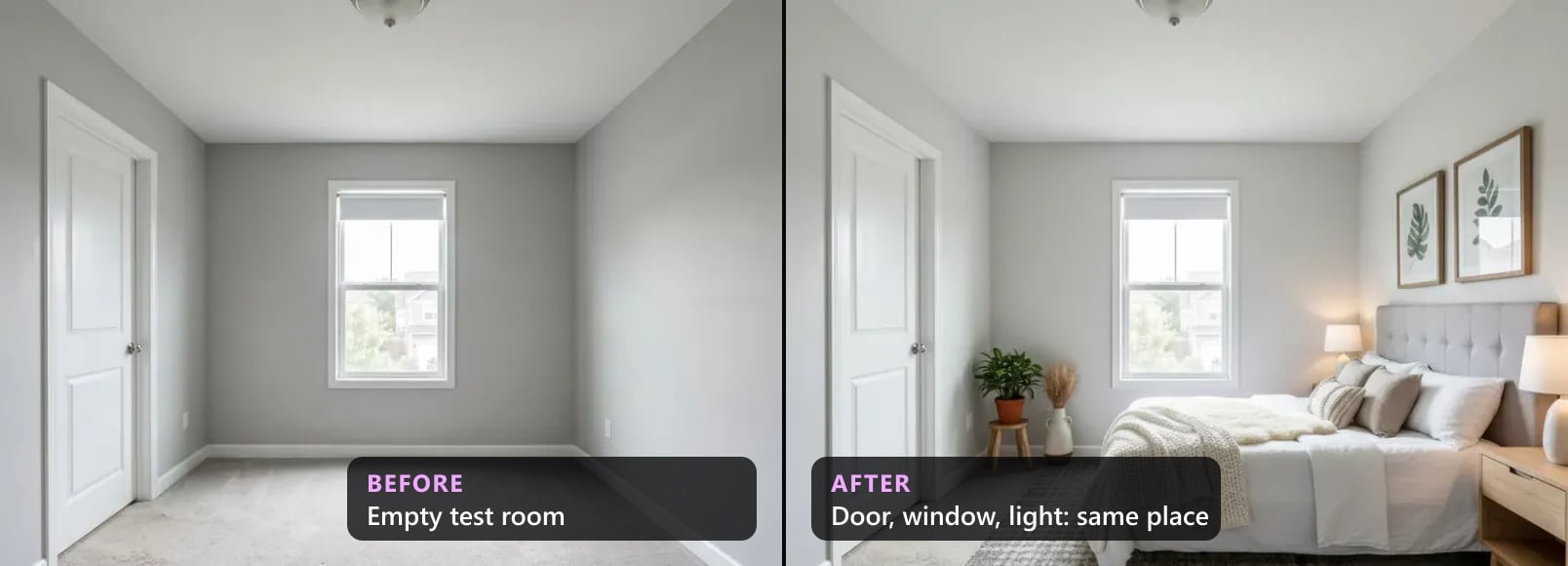
A different room. AI can quietly change what isn't furniture: trim, mouldings, the size of a window, the shape of a ceiling, the light. Our own checker sees the same thing. In 300 renders we counted, windows, openings and doors broke far more often than furniture did. Put every staged photo next to the original before it goes anywhere.
Things that promise a feature. A lamp says there's an outlet. A new pendant says there's wiring. A nicer view says the buyer will see it from that window. Don't add what the home doesn't have, and on an ITSO board keep new paint and new fixtures out of listing photos.
A short checklist
Before a staged photo goes in an Ontario listing
- 1Compare it with the originalWindows, doors, archways, ceiling, trim and floors: same place, same size.
- 2Check the scaleLeave a clear path from the door. A room that fits a loveseat doesn't get a sectional.
- 3Don't promise featuresNo lamps without an outlet, no new fixture, no new paint, no better view.
- 4Label it"Virtually staged" on the photo or in its caption. On an ITSO board: in the public remarks or on the image.
- 5Keep the originalSave the unedited photo behind every staged one.
- 6Give real dimensionsBuyers were told to read them. Make sure they're right.
See it, price it, try it
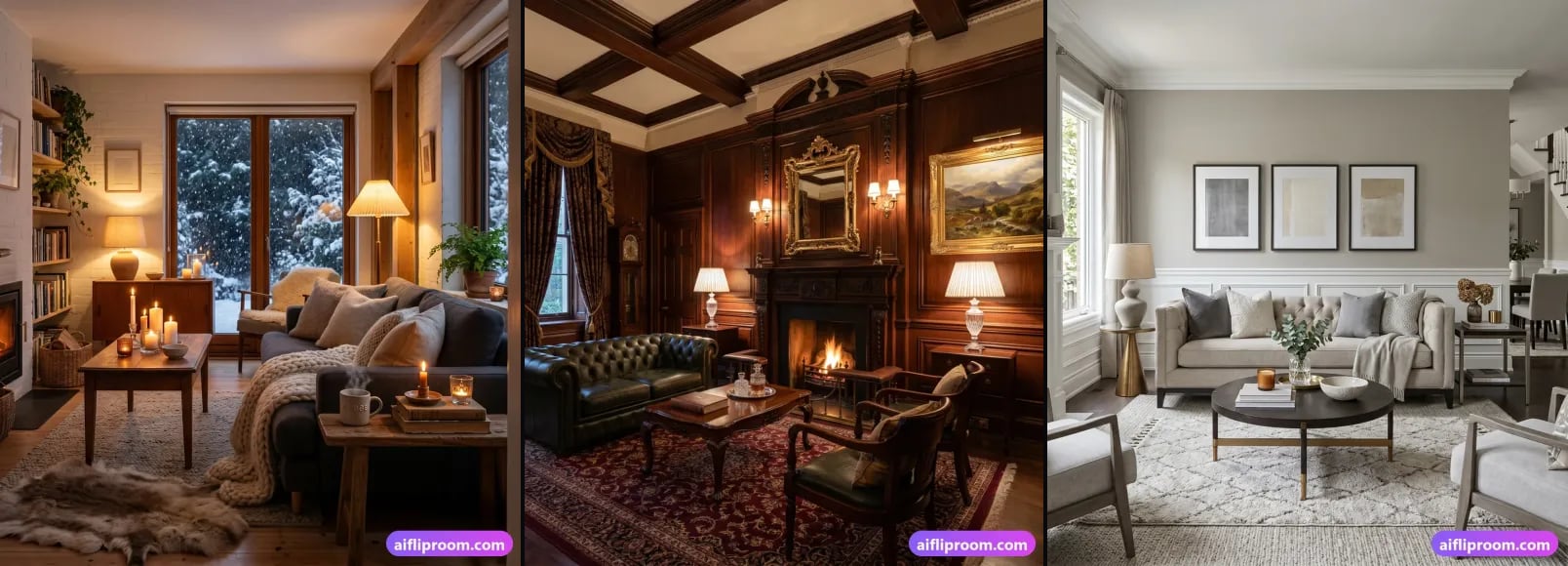
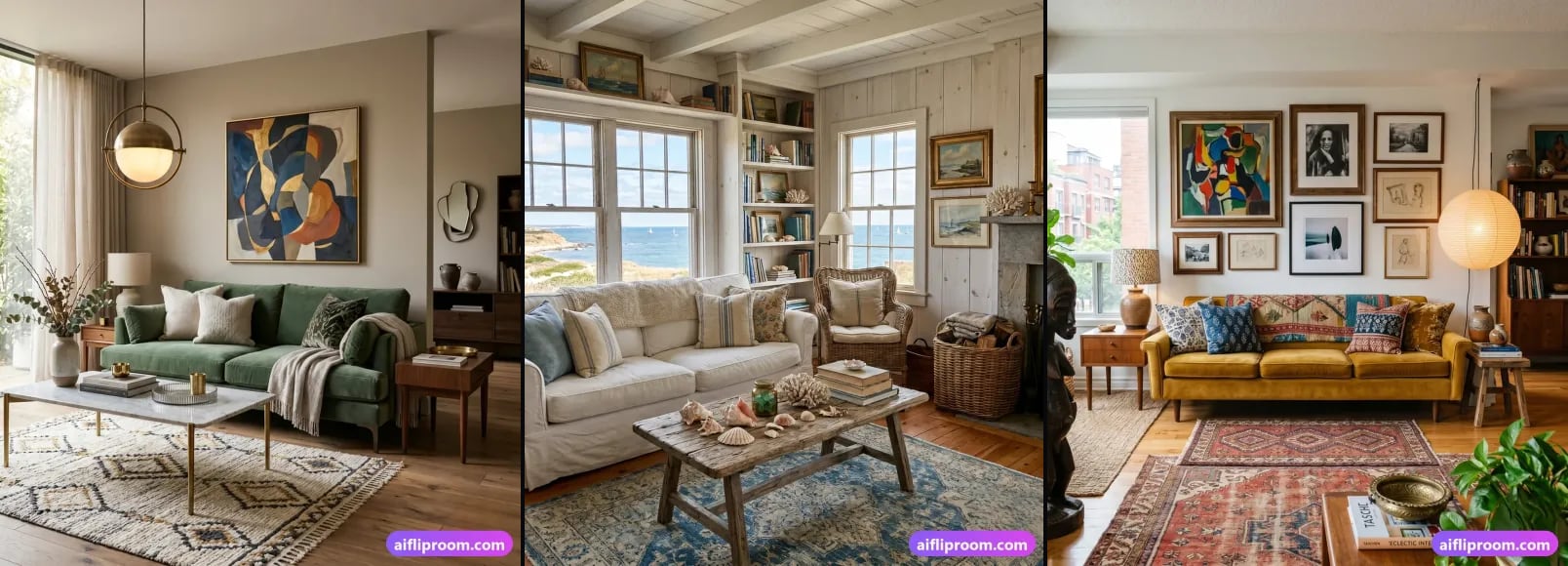
Before and after pairs that we compared with the original by eye: bedrooms and living rooms. If you're deciding whether to stage at all, the staging cost calculator puts a number on each day an empty home sits on the market. And if you want to try it on your own listing, three free renders need no credit card.
Questions Ontario sellers and agents ask
Is AI virtual staging allowed in Ontario?+
Yes, if the image stays accurate. PropTx MLS® rule 5.01(a) and ITSO rule 2.15(d) both allow staging that doesn't misrepresent the property. The full quotes are in our Ontario rules guide.
Do I have to label virtually staged photos in Ontario?+
On an ITSO board, yes: in the public remarks or on the image. The PropTx rulebook doesn't mention staged photos. Label anyway: RECO told CBC that buyers must be able to tell. The disclosure wording tool gives you the text.
Can I use staged photos on my own website and social media?+
Yes. Call them visualisations and keep the original. Section 37 of TRESA, the ban on misleading advertising, applies there too.
Sources: CBC News, 19 October 2026; the PropTx MLS® Rules, the ITSO MLS® Rules and the Trust in Real Estate Services Act, 2002, as quoted in our Ontario rules guide. This is not legal advice. Ask your brokerage and your board before you rely on anyone's reading of the rules, including ours.
See it on your own room
Upload a photo and watch AI restage your space in 15–60 seconds, depending on how much detail it has — free to try, no credit card.
Try AI Flip Room freeGot a question about this?
Something unclear or not covered? Ask here. We read every question and answer the useful ones right in the article. Nothing you write is published.
Related reading
Ontario Virtual Staging Rules: PropTx 5.01, ITSO 2.15, RECO
Is virtual staging allowed on the Ontario MLS? PropTx rule 5.01 and ITSO rule 2.15 quoted, what RECO and TRESA add, and where the line is.
We Checked 300 AI-Staged Renders: What Breaks (2026)
Our quality checker's data on 300 AI-staged renders, Aug–Oct 2026: how many failed, what broke most (windows, archways, doors), what to check by eye.
Virtually Staged Listing? 5 Things a Buyer Can Demand
AI staging is legal in Ontario, BC, Quebec, Alberta, California, New York, Florida, Texas, Washington, Arizona, Illinois, Georgia, Colorado, Australia, the UK and Bright MLS, with conditions.