How to Choose a Free Virtual Staging Tool: 9 Checks
AI Flip Room · 6 min read
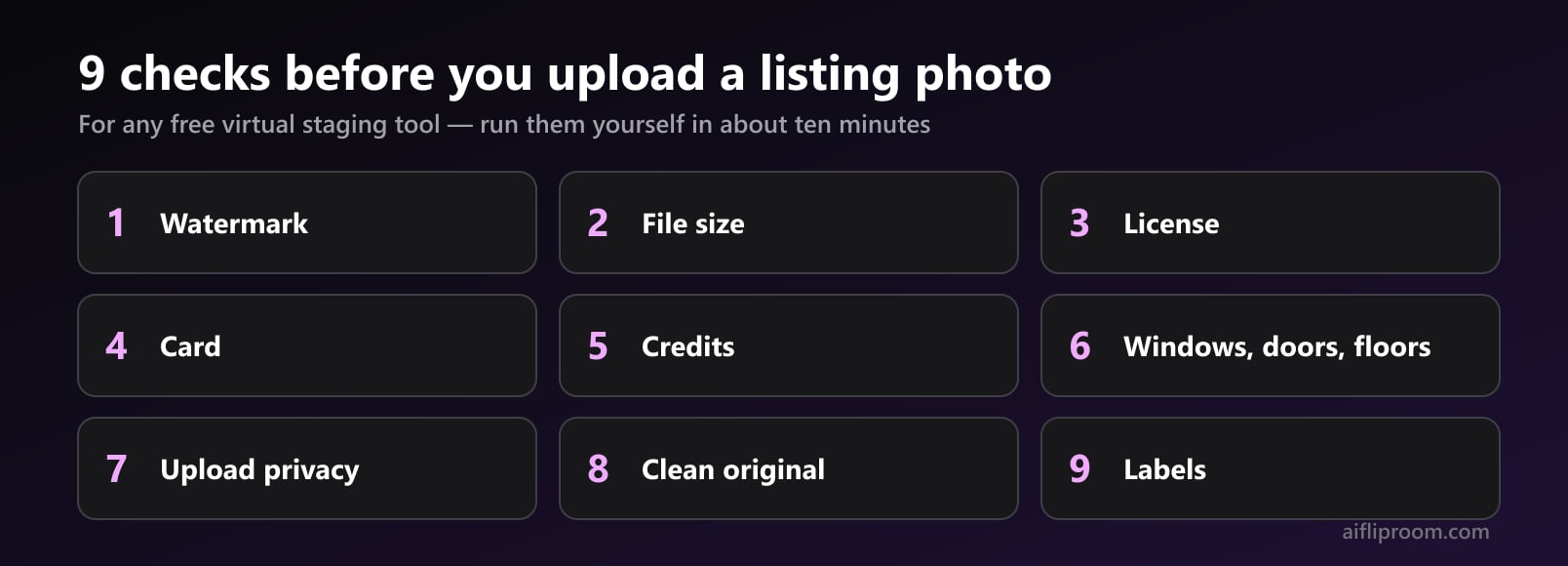
The best free virtual staging tool is the one that passes nine checks you can run yourself before a client's photo goes anywhere: whether the free file is watermarked, how big it is, whether the license covers a listing, whether a card is needed, whether credits expire, whether the render keeps the windows, doors and floors, what happens to the upload, whether you keep a clean original, and whether the tool helps you label the result. Most free plans are built for trying a tool, not for publishing what it makes, and that is fine as long as you know which one you have.
We make an AI staging tool, AI Flip Room, so we are not a neutral judge. That is why this guide names no other product and ranks nothing. The checks work on any tool, ours included; where we mention ours, it is only to say how it answers a check, with a link to the page where we say so publicly.
What does "free" mean in virtual staging?
Three different deals hide behind the word. A free trial gives a few renders, sometimes with a card on file and a renewal date. A free plan gives a small allowance that stays free, usually with a watermark and a smaller file. A free preview shows you the result and charges to download it. None of these is a trick, but they answer different questions: a trial or a plan tells you whether the tool understands your rooms, and only the paid file is usually meant for a listing.
So run the checks in this order. The first five take a minute on the pricing and terms pages. The last four need one test render of a room you know well, ideally an empty one with a window and a door in the frame.
Nine checks before a free render goes near a listing
- 1Is the free file watermarked?Download a free render and open it full size. A mark tiled across the image means the file is for evaluation. A small corner label can be a disclosure badge instead, which is a different thing and often useful. Check whether paid files drop the tiled mark.
- 2Is the file big enough for a listing?Look at the pixel size of the downloaded file, not the preview. Free files are often smaller. Compare it with what your MLS or portal accepts and with your original photo: a staged photo that is softer than the rest of the gallery stands out.
- 3Does the license cover a listing?Search the terms for commercial use. A listing, a brochure and a social ad are commercial; a license for personal use or evaluation does not cover them. If the terms say nothing, ask before you publish.
- 4Do you need a card to start?A free plan that asks for a card is usually a trial that renews. That can be fine: note the renewal date and how to cancel before the first render.
- 5Do the credits expire or reset?Find out whether the free renders are a one-time allowance or a monthly one, whether unused paid credits expire, and what happens to them when a plan ends. Credits that vanish at the end of the month cost more per photo than the price suggests.
- 6Does the render keep the windows, doors and floors?Run one test render on a room you know and compare it with the original, edge to edge; the 30-second check is below. A moved or missing opening rules that render out of a listing.
- 7What happens to the upload?Look in the privacy policy for a deletion window, for whether photos are used to train AI models, and for who else processes them. If the policy is silent, assume the photo is kept.
- 8Do you keep a clean original?Keep the untouched photo in your own files, named so it sits next to its staged version. Some rulebooks want it beside the staged photo, and a buyer may ask to see it.
- 9Does the tool help you label the photo?Check whether it can put a “Virtually Staged” mark on the image, whether the mark can be unbranded for markets that ban logos on photos, and whether it can be switched off where text on photos is not allowed.
What is the 30-second check that a render kept the room?
Put the original and the render side by side at the same size and ignore the furniture. Look at the house instead, edge to edge:
- Windows. Count them, compare their size and panes, and look at the view outside.
- Doors and openings. Follow every frame, archway and pass-through. A doorway that became wall, or wall that became a doorway, is a different floor plan.
- Ceiling. Beams, a fan, a light fixture, a slope: same place, same shape.
- Floor. The material at the edges of the rug, and any step or threshold.
- Small fixed things. Outlets, switches, vents, radiators and built-in shelves.
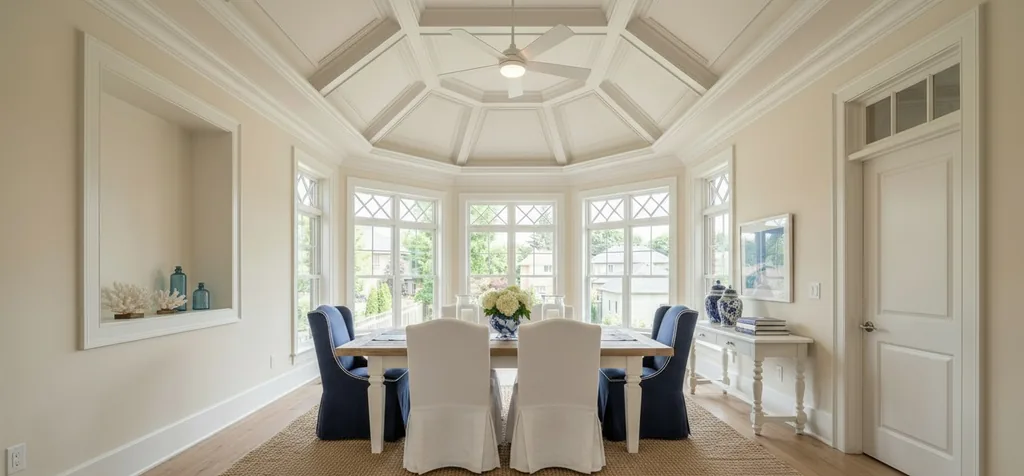
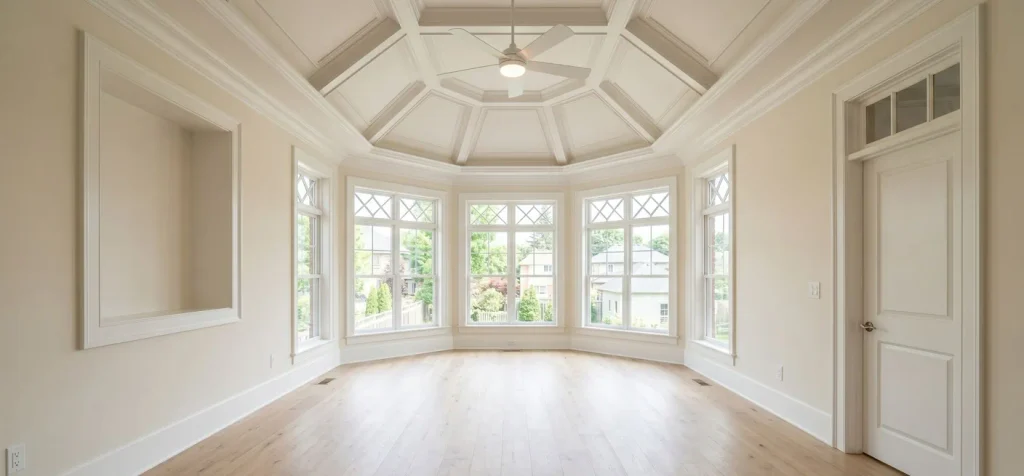
Paint and light fixtures need their own look. Some tools change them on purpose in some styles — ours does too — and several rulebooks treat new paint or new fixtures as more than staging. If the listing should show only added furniture, check that the walls and fixtures match, and use a mode limited to furniture where the tool has one. If anything structural changed, the render stays out of the listing, however good it looks. Our virtual staging rules hub shows what each market treats as staging and what it treats as an alteration.
Can you use a free render in a listing?
Usually not as it is, for two reasons. The first is the watermark: free files often carry the tool's mark across the image. The second is the license: free plans are often licensed for trying the tool or for personal use, and a listing is commercial use. Read the terms for the words "commercial", "marketing" or "client" before a free file goes into an ad.
Whatever file you list, the honesty rules are yours, not the tool's. Label the photo as virtually staged where your market asks for it, keep the untouched original, and never let a render change the property. California, several US MLSs and at least one large UK property portal ask for the original, or genuine photos, alongside the staged one; elsewhere it is still the safest habit. The rules hub lists who asks for what, with quotes, and the disclosure wording tool gives you the exact words for your market.
What should happen to the photo you upload?
A listing photo shows the inside of someone's home, and sometimes the people who live there. Before uploading, find three answers in the privacy policy: how long the upload is kept, whether it is used to train AI models, and who else processes it. A clear policy names a deletion window and says whether training is opt-in.
For occupied homes, also look at what the camera caught: family photos, documents on a desk, a child's name on a wall. Clearing them before the shoot is easier than asking a tool to remove them later, and it keeps them out of the upload altogether.
Which free virtual staging tool is the best?
No single answer fits every listing, and a list that ranks tools without showing its tests is an advert. The useful answer is short: the best free tool for you is the one that keeps your rooms intact on a test photo, says plainly what it does with the upload, and charges a price per listing photo you can live with once the free renders run out.
That last part is where tools really differ, so compare the price of one clean, licensed photo rather than the monthly fee. Our virtual staging cost guide shows the arithmetic, the staging cost calculator runs it for your listing, and virtual staging cost in Canada, the UK and Australia does it in local currency. If you are still deciding whether to stage virtually at all, virtual vs physical staging puts the two side by side, and our staging statistics page has the survey numbers with their sources.
How does AI Flip Room answer the nine checks?
| Check | Our answer | Where we say it |
|---|---|---|
| Watermark | Free renders carry a tiled AIFlipRoom.com watermark and a corner badge; paid renders have no tiled watermark | Free virtual staging |
| File size | Standard on the free plan and the Room Pack, up to 2K on Pro, up to 4K lossless on Agency | Free virtual staging |
| License | The commercial license comes with Room Pack, Pro and Agency renders, not with free ones | Free virtual staging |
| Card | None for the three free renders | Pricing |
| Credits | The free allowance has no countdown and never resets; bought renders never expire on a date; Pro and Agency allowances reset on the 1st | Terms |
| Geometry | Every render is checked against your photo for moved or missing windows and doorways, and one that fails is marked as a draft; MLS mode, off by default, keeps walls, floors and light fixtures as photographed | Pricing |
| Upload | Deleted from our active servers within 24 hours; not used for training unless you turn on "Keep my room photos" | Privacy |
| Original | We delete your upload, so keep the original yourself; renders stay in your history for 7 days on the free plan, 30 on Pro and 90 on Agency | Privacy |
| Labels | A "Virtually Staged" corner label, an unbranded option on paid renders, and free wording and label tools | Disclosure wording |
None of this makes a listing compliant on its own. That part is the label, the original and an honest render, and it stays with whoever publishes the photo.
Questions people ask about free virtual staging tools
Is there a completely free virtual staging tool?+
There are free plans and free trials, and some keep a small allowance free for good. What is rarely free is a listing-ready file: free renders are commonly watermarked, smaller, or licensed for personal use only. Use free renders to test whether a tool keeps your rooms intact, then compare the price of one clean, licensed photo.
Can I use a free virtual staging render on the MLS?+
Check two things first: whether the free file carries a watermark across the image, and whether the license allows commercial use. Then follow your MLS’s disclosure rule — a label on the photo or in the remarks, and in some MLSs the original uploaded beside it. A render that moved a window or a door does not belong in a listing, free or paid.
Do free virtual staging tools keep my photos?+
It depends on the tool, which is why it is one of the nine checks. Look in the privacy policy for a deletion window and for whether uploads train AI models. AI Flip Room deletes uploads from its active servers within 24 hours and does not use them for training unless you turn on an optional setting.
How many free renders does AI Flip Room give?+
Three, for life, with no credit card. They carry a tiled watermark and a corner badge and are meant for testing the tool on your own rooms; the commercial license and a clean file start with the one-time Room Pack.
What is the quickest way to spot a bad virtual staging render?+
Put it next to the original at the same size and look only at the house: count the windows, follow every door frame and opening, and check the ceiling and the floor at the edges. If anything structural moved, appeared or vanished, discard the render.
Written by the AI Flip Room team. How we write and check our guides.
See it on your own room
Upload a photo and watch AI restage your space in 15–60 seconds, depending on how much detail it has — free to try, no credit card.
Try AI Flip Room freeGot a question about this?
Something unclear or not covered? Ask here. We read every question and answer the useful ones right in the article. Nothing you write is published.
Related reading
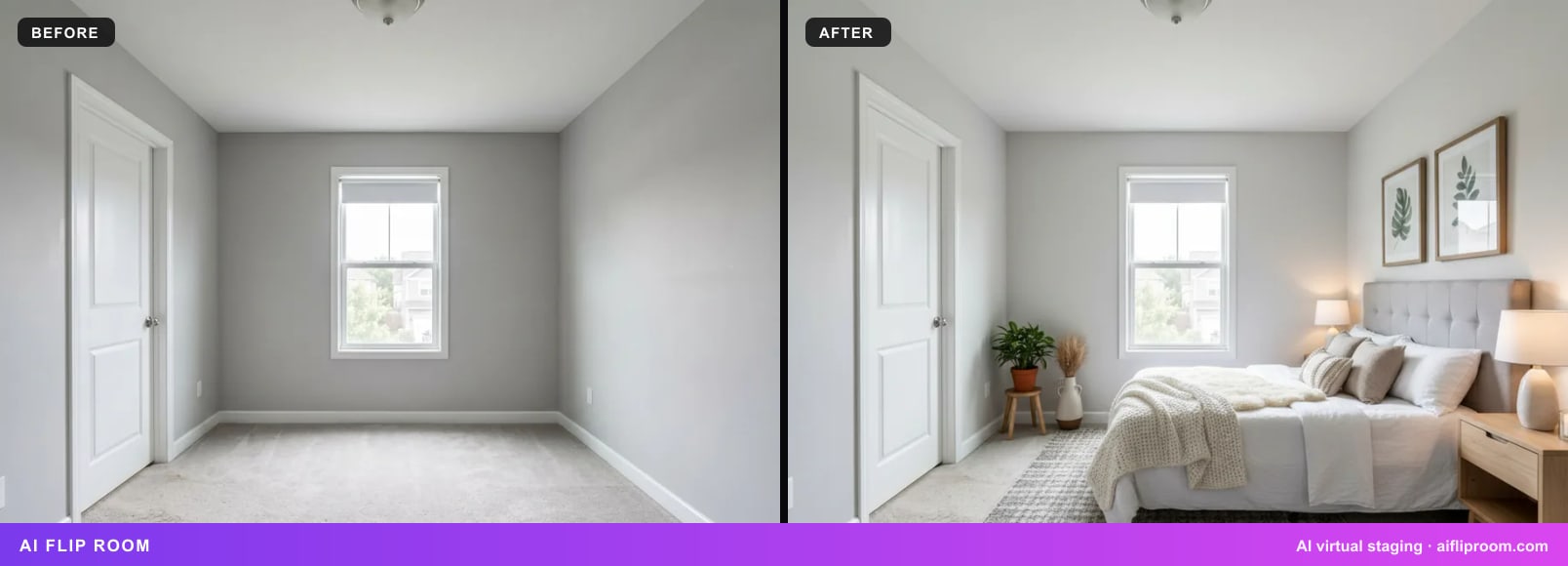
Virtual vs Physical Staging in 2026: Cost, Time, What Agents Say
A staging service had a $1,500 median cost in NAR's 2025 survey; virtual staging is priced per photo. Cost, time, what buyers' agents report and when each wins.
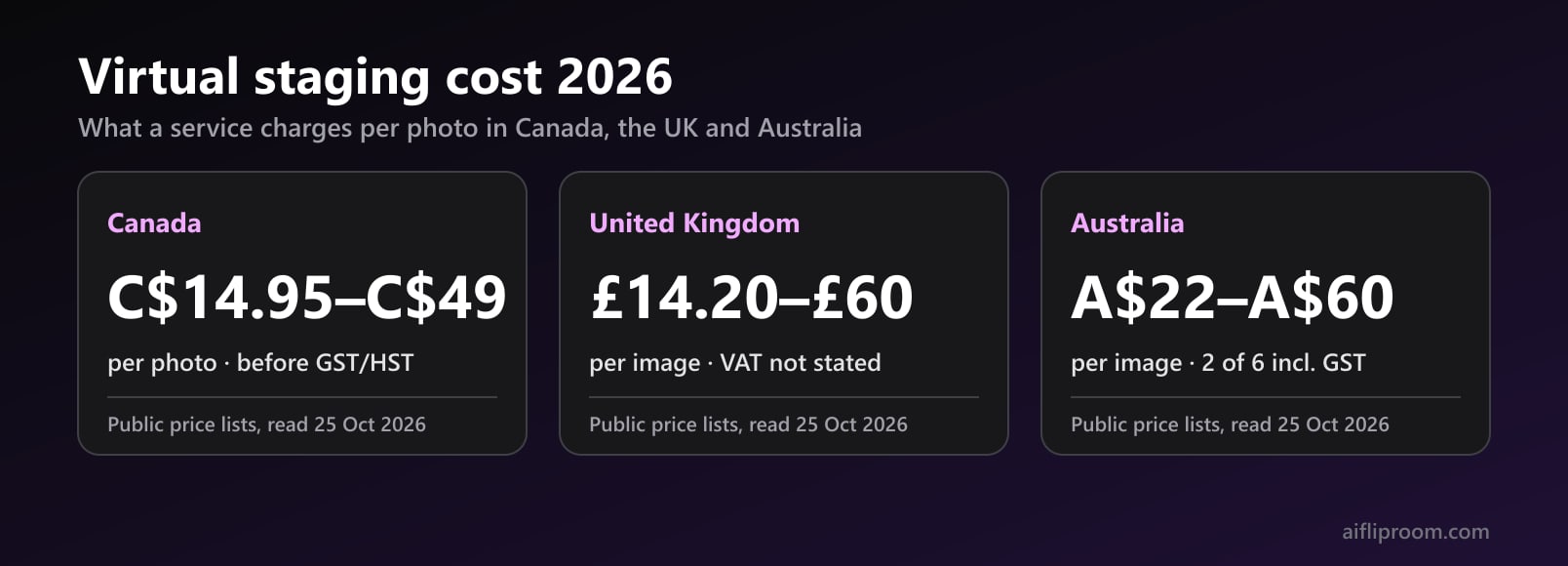
Virtual Staging Cost in Canada, the UK and Australia (2026)
Virtual staging prices in CAD, GBP and AUD from public price lists read on 25 Oct 2026, with sales tax, physical staging packages and one listing worked out.
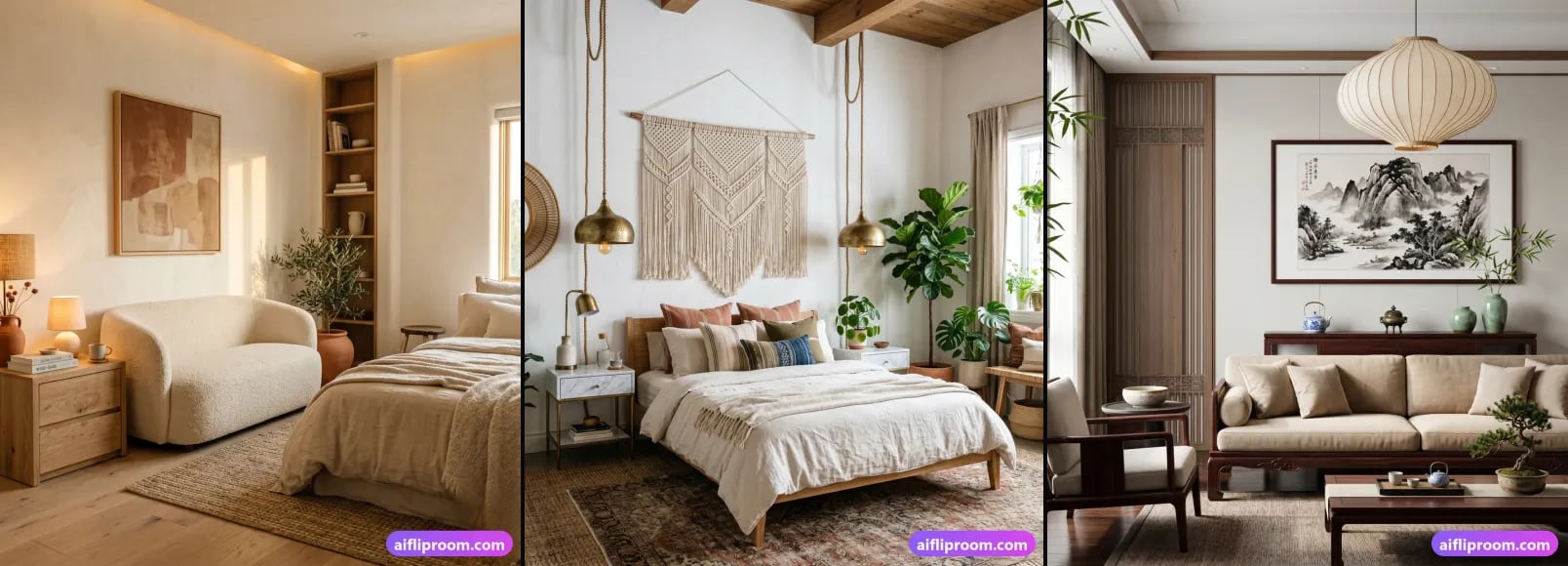
Virtual Staging Cost in 2026: Free to $75+ per Photo
Physical vs hand-done virtual staging ($10–75 per photo) vs AI (free to a few dollars). Real 2026 ranges, what drives price, and which fits your listing.